One sentence
32 wordsTelebeam turns a Google TV or Android TV into a receiver for the Mac’s built-in Screen Mirroring, so a Mac’s screen shows on the TV in three clicks without an Apple TV.
For journalists, reviewers and creators
Telebeam turns a Google TV or Android TV into a receiver for the Screen Mirroring built into the Mac: pick the TV in Control Center, and the Mac’s screen is on the TV. No extra box.
Press contact: support@telebeam.app · Facts checked on 4 November 2026
The short version, for a fact box.
| What it is | A screen mirroring receiver app for Google TV and Android TV. The Mac’s built-in Screen Mirroring (and iPhone and iPad Screen Mirroring) shows on the TV in three clicks, with nothing to install on the Mac. |
|---|---|
| Name | Telebeam. On Google Play: Telebeam: Screen Mirroring TV. |
| Maker | Sebastian Škoić, a solo developer, also known as the tech creator Sebs_Tech. |
| Country | Slovenia |
| First release | 2 November 2026, on Google Play |
| Current version | 1.0.4 |
| Runs on | Google TV and Android TV (Android 7 or later): TVs from Sony, TCL, Hisense and Philips, Chromecast with Google TV, Google TV Streamer, Nvidia Shield and Android TV boxes. Tested on a Philips Google TV. |
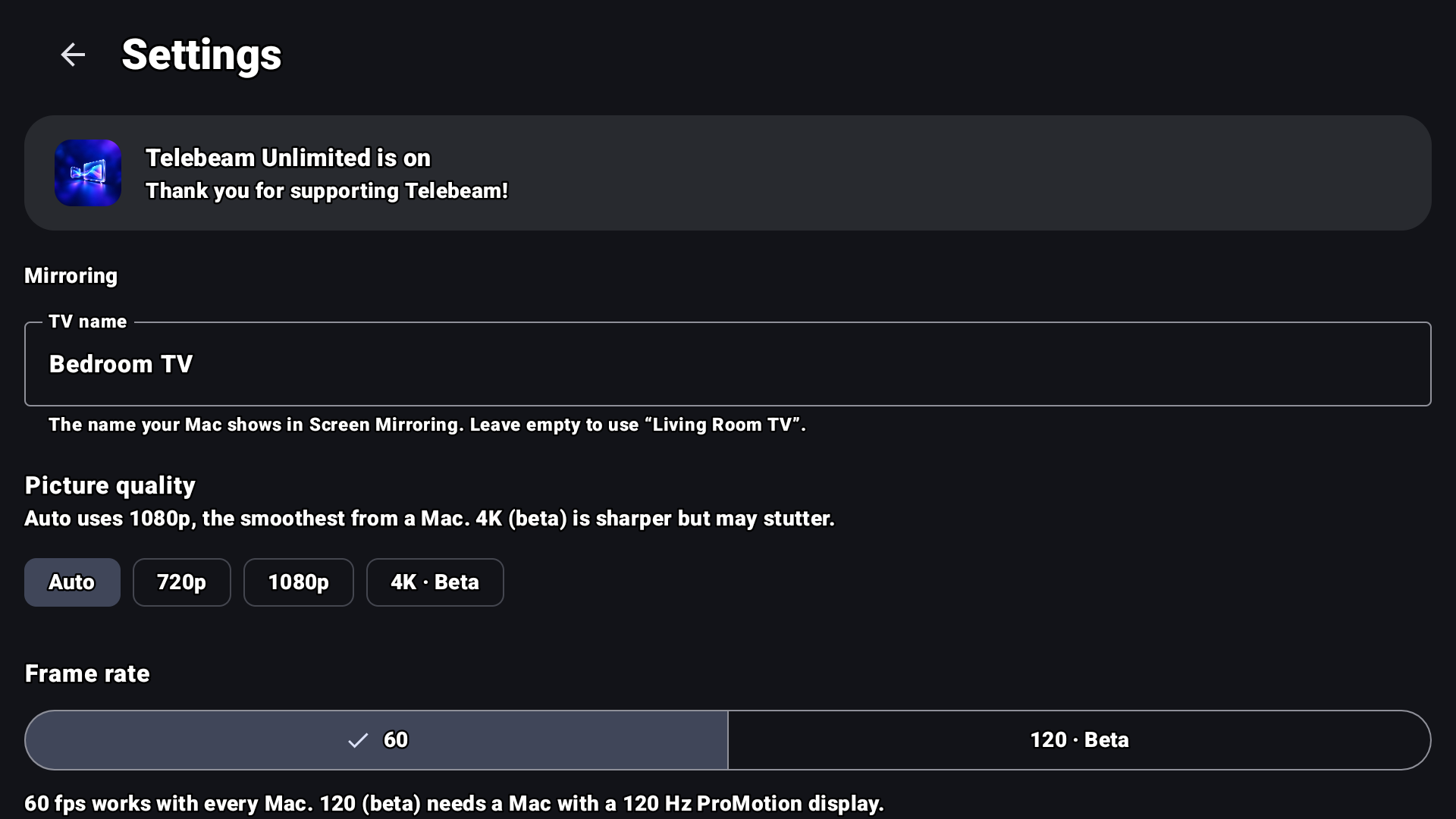
| Picture | Up to 4K. Auto uses 1080p at 60 fps, the smoothest a Mac sends today; 4K is marked Beta in the app. A 120 fps setting exists for testing, but so far Macs send at most 60 fps. |
| Prices | A 7-day free trial on Monthly, or a one-time Lifetime. Google Play shows prices in local currency. No ads. |
| Privacy | Google Play Data safety: no data collected, no data shared. No account. |
| Source code | Open source, GPL-3.0: github.com/sebstech24/mirror-tv |
| Get it | Telebeam on Google Play |
Use them as they are or cut them down.
Telebeam turns a Google TV or Android TV into a receiver for the Mac’s built-in Screen Mirroring, so a Mac’s screen shows on the TV in three clicks without an Apple TV.
Telebeam puts your Mac on the big screen without an extra box. Open it on a Google TV or Android TV, click Control Center and Screen Mirroring on the Mac, and pick the TV. Nothing to install on the Mac, no account, no cables: Mac and TV just need the same Wi-Fi. Up to 4K, with sound, and it works with iPhone and iPad too.
Telebeam is a Google TV and Android TV app made by solo developer Sebastian Škoić in Slovenia. It makes the TV appear in the Screen Mirroring list that is already built into the Mac, so a MacBook or iMac can mirror to the TV or use it as a second display, with sound and up to 4K. Screen mirroring stays on the home network: no account, no ads, no data collected. Telebeam is open source under GPL-3.0, starts with a 7-day free trial on its Monthly plan, and also sells a one-time Lifetime unlock.
Telebeam is an independent app and is not made, sponsored or approved by Apple. Your Mac’s Screen Mirroring is part of macOS and uses Apple’s AirPlay technology; Telebeam is the receiver on the TV side.
Tap an image for the full-size PNG. These are real screenshots from a TV, as on Google Play.
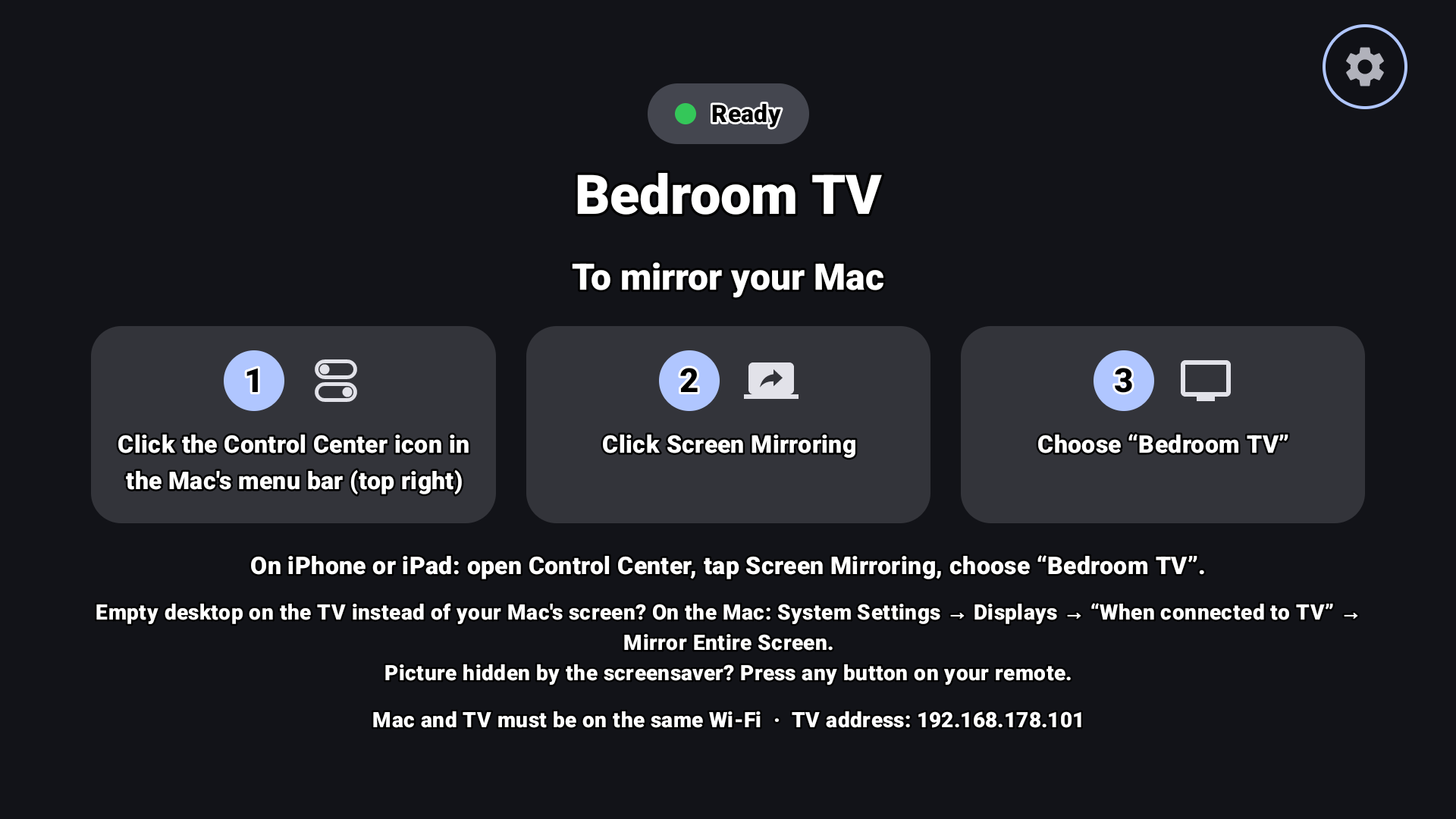
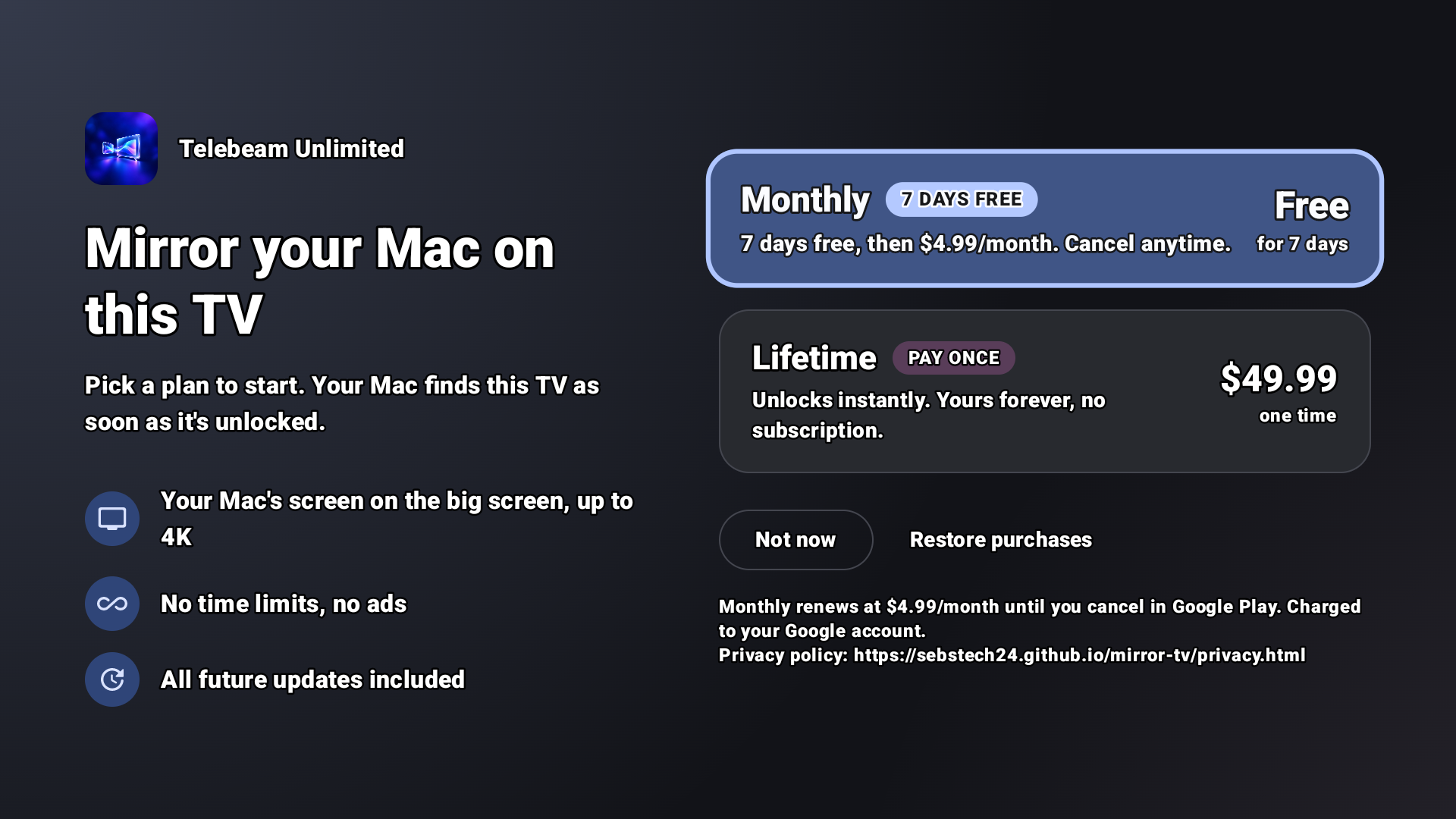
You may use these images in coverage of Telebeam.
Please don’t recolor, crop, stretch or add effects to the icon.
There is no separate wordmark. Write the name as Telebeam, one word, capital T.

Sebastian Škoić is a solo app developer from Slovenia and the tech creator behind Sebs_Tech. He designed, built and ships Telebeam on his own: the TV app and the website.
Contact: support@telebeam.app · Photo: JPG, 1080 × 1080, 243 KB
Questions, review access or anything missing from this page: Sebastian answers his own email.
Mac, macOS, iPhone, iPad and AirPlay are trademarks of Apple Inc. Google TV, Android TV and Google Play are trademarks of Google LLC. Telebeam is not affiliated with Apple or Google.
Facts checked on 4 November 2026.